In this article
Your Samsung dryer powers on, the drum turns and the timer counts down, but the air stays cold. That’s one of the most common Samsung dryer problems, and it usually comes down to three things: a half-tripped breaker, a blown thermal fuse or a burned-out heating element. In most cases the fix is a single part costing under $100, plus about an hour of work.
Below is the same process a technician uses on a Samsung dryer not heating: confirm the problem, check the power, then open the dryer and test the fuse and element with a multimeter.
Step 1: Confirm There’s Really No Heat
Before assuming a Samsung dryer not heating has a broken part, remember that many Samsung dryers have Eco or sensor-dry settings that use lower heat, which can feel like a fault. To test properly:
- Select Time Dry and set the temperature to High.
- Turn Eco mode off if your model has it.
- Start the dryer and wait 30–60 seconds, then feel inside the drum or at the exhaust.
If there’s no warmth at all after a minute, you have a heating problem. If you also see an “HE” or “hE” code, that’s Samsung’s heating error.
Step 2: Check the Breaker and Power
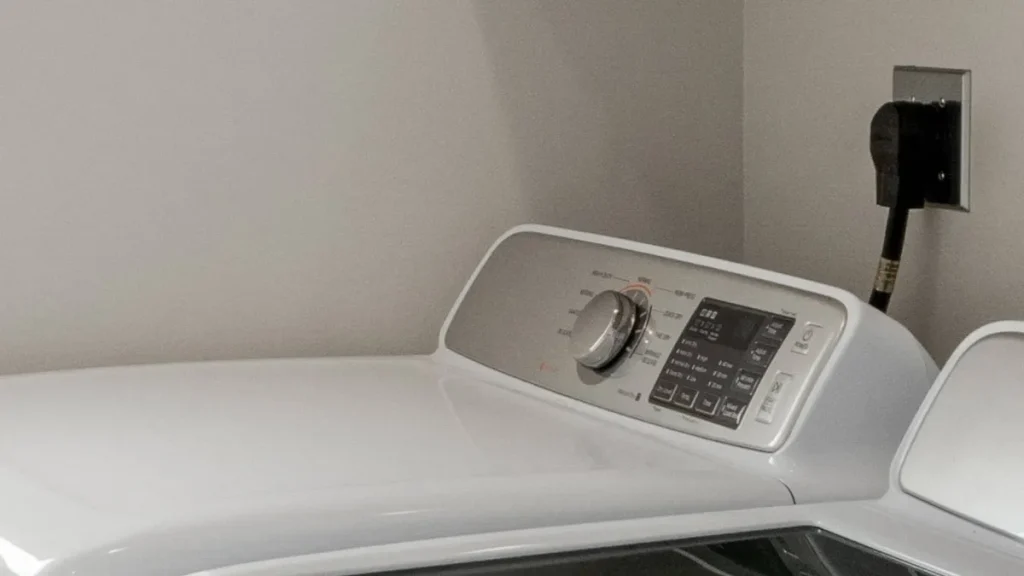
Electric Samsung dryers need the full 240 volts to heat. The motor and controls only need half of that, so if one side of the double breaker trips, the dryer runs normally but stays cold.
- Find the double breaker labeled for the dryer, usually 30 amps.
- If it looks half tripped (one side off or in the middle), switch it fully off, then back on.
- Run another Time Dry test.
A technician will also measure the outlet at the dryer’s power terminal block; it should read about 220–240 volts AC. Only do this yourself if you’re trained and comfortable working with live 240-volt circuits; otherwise leave it to a pro.
Step 3: Rule Out Airflow Problems
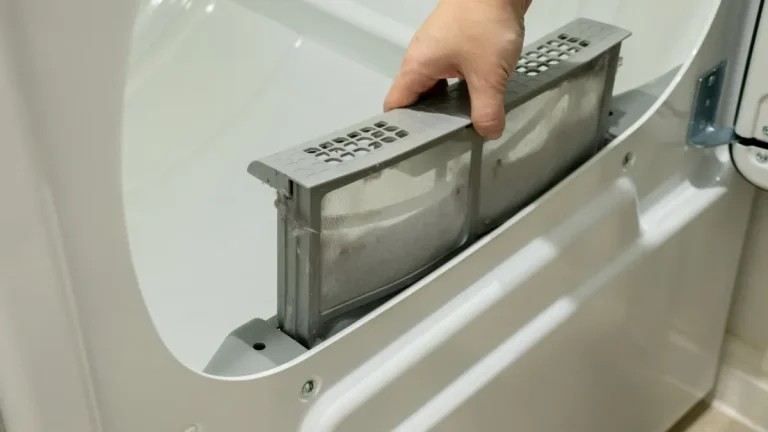
A clogged lint filter or crushed vent can make the dryer overheat, trip its safety parts and blow the thermal fuse. Clean the lint filter, straighten the vent hose and make sure air blows strongly outside. Replacing a fuse without fixing the airflow means it will likely blow again.
Step 4: Open the Dryer to Reach the Heater
On Samsung front-load electric dryers, the heating element and thermal fuse sit behind the drum, so the drum has to come out. You’ll need a Phillips screwdriver or drill and a multimeter.
Unplug the dryer before you start. Wear gloves, as the cabinet has sharp edges.
- Top panel: remove the two screws at the back and slide the top panel back and off.
- Control panel: remove the screws along the front, gently pry the panel free, and disconnect its two wire connectors.
- Front face and door: remove the screws at the top and the two inside the door opening (keep the washered screws for the same spots), unplug the door switch carefully, and lift the front panel off.
- Top support and front bulkhead: remove the remaining screws, unclip the wiring, then lift the front bulkhead off its tabs.
- Belt and drum: reach underneath, release the belt from the idler pulley and motor, then lift the drum out.
While the dryer is open, vacuum out the lint built up inside the cabinet and around the fan. Loose lint near the heater is a fire hazard.
Step 5: Test the Thermal Fuse and Heating Element
Set your multimeter to continuity (the symbol that looks like sound waves). Disconnect the wires from each part before testing.
| Part | How to test | Result |
|---|---|---|
| Heating element | Touch one probe to each terminal on the element | Beep = good; no beep = replace |
| Thermal fuse | Touch one probe to each terminal on the fuse | Beep = good; no beep = blown |
The heating element is the more common failure. A thermal fuse is the easier and cheaper fix: it’s held by two small screws. Note which wires go where, swap in the correct Samsung replacement part, and reconnect the wires.
If both parts test fine, the problem may be a thermostat, thermistor or control board; that’s the point to call a technician.
Step 6: Reassemble and Test
- While the drum is out, spin the drum rollers. Replace any with flat spots or noise.
- Refit the drum and route the belt around the motor and idler pulley.
- Seat the front bulkhead on its tabs, reconnect the sensor wire and refit the screws.
- Keep wiring away from the drum, and route the door switch wire before closing the front.
- Refit the control panel and top, then run Time Dry on High. Feel for warm air at the exhaust within a minute or two.
What Does a Samsung Dryer Heat Repair Cost?
| Repair | DIY part | Pro (parts + labor) |
|---|---|---|
| Thermal fuse | $10 – $25 | $85 – $165 |
| Heating element | $40 – $90 | $130 – $280 |
| Thermostat or thermistor | $15 – $40 | $90 – $180 |
| Control board | $120 – $250 | $180 – $450 |
A basic multimeter costs about $10–$30. Gas Samsung dryers use an igniter and gas valve coils instead of an element; those repairs usually cost $100–$210.
Find Dryer Repair Companies
Not comfortable taking the dryer apart, or both parts tested good? Search for appliance technicians who service Samsung, compare reviews and request free quotes.
Find dryer repair companies Get free quotes Same-day service
Questions and Answers
Why is my Samsung dryer running but not getting hot?
Most often a half-tripped breaker, a blown thermal fuse or a failed heating element. Check the breaker first, then test the fuse and element.
How do I reset my Samsung dryer when it won’t heat?
Turn off the dryer’s breaker or unplug it for a few minutes, then restore power. That clears error codes, but it won’t fix a blown fuse or bad element.
What does the HE code mean on a Samsung dryer?
It’s a heating error: the dryer isn’t reaching temperature. Check the vent and lint filter, then the heating element, thermal fuse and thermostats.
Where is the thermal fuse on a Samsung dryer?
On most front-load electric models it’s on the heater housing at the back, reached by removing the drum. It’s held by two small screws.
How much does it cost to fix a Samsung dryer not heating?
Usually $85–$280 with a technician, depending on whether it’s the fuse, element or a thermostat. Doing it yourself, parts run $10–$90.
Why does my Samsung dryer keep blowing thermal fuses?
Restricted airflow. A clogged vent, crushed hose or lint-packed cabinet makes the dryer overheat. Clean the full vent run before installing a new fuse.
Can I use my Samsung dryer without heat?
It will tumble on air-only settings, but don’t bypass the thermal fuse; it’s a fire safety device.
How long does a Samsung dryer heating element last?
Often 8–12 years, less if the vent is frequently clogged and the element runs hot.
Is it worth fixing an older Samsung dryer?
Yes, for a fuse, element or thermostat. If the control board fails on a dryer over about 12 years old, compare the price of a new one.
The Bottom Line
For a Samsung dryer not heating, test on Time Dry and High, reset the breaker, and clear the vent. If it’s still cold, test the thermal fuse and heating element; one of them is the cause in most cases. Fix the airflow too, so the new part lasts. For general no-heat checks on every brand, see our guide to dryers that won’t heat.
About This Guide
Written by David C and reviewed by the Repairior Editorial Team using manufacturer service guidance and national repair cost data. Always unplug the dryer before opening it, and follow your model’s manual where it differs. Businesses can’t pay to change our guides.
Compare dryer repair technicians near you and request free quotes in minutes.